


Essential Google Maps and Android Auto Settings to Change Before Your Next Road Trip
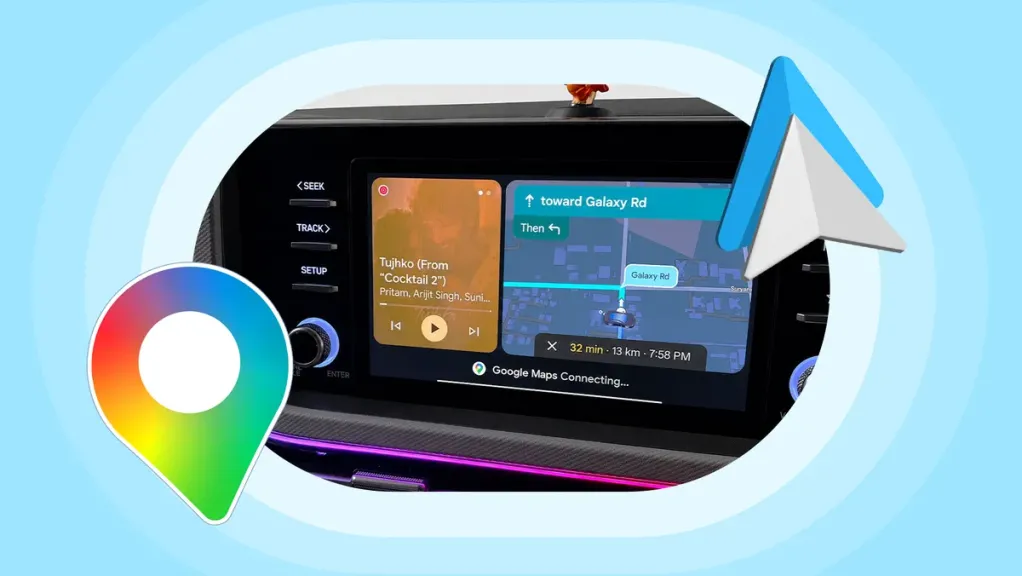
A few minutes spent adjusting Google Maps and Android Auto before a long drive can make road trips smoother, safer, and less stressful, according to a recent guide highlighting the settings that experienced drivers rely on before hitting the road.
One of the most useful tweaks is creating Gemini voice shortcuts and pinning them to the Android Auto launcher. This allows drivers to quickly access common tasks—such as navigating home, sending messages, or finding nearby fuel stations—without navigating through multiple menus while driving.
The guide also recommends downloading offline maps before traveling through areas with unreliable mobile coverage. Offline navigation ensures directions remain available even if the internet connection drops, reducing the risk of getting lost in remote locations.
Drivers are also advised to review their route preferences before departure, including options to avoid toll roads, highways, or ferries where appropriate. Checking these settings in advance can help prevent unexpected detours and better match the trip to individual driving preferences.
Customizing the Android Auto launcher is another suggested step, allowing frequently used apps such as Google Maps, music streaming services, and messaging platforms to appear first for quicker access during the journey. Voice controls through Google Assistant or Gemini can further reduce distractions by enabling hands-free navigation and communication.
The advice comes as Google continues to expand Android Auto's navigation capabilities. The latest beta version of Google Maps has begun rolling out a long-awaited live speedometer for Android Auto, bringing the in-car experience closer to the mobile app and Apple CarPlay.