
Phone Repair Privacy: How to Protect Your Photos and Personal Data Before Handing Over Your Device
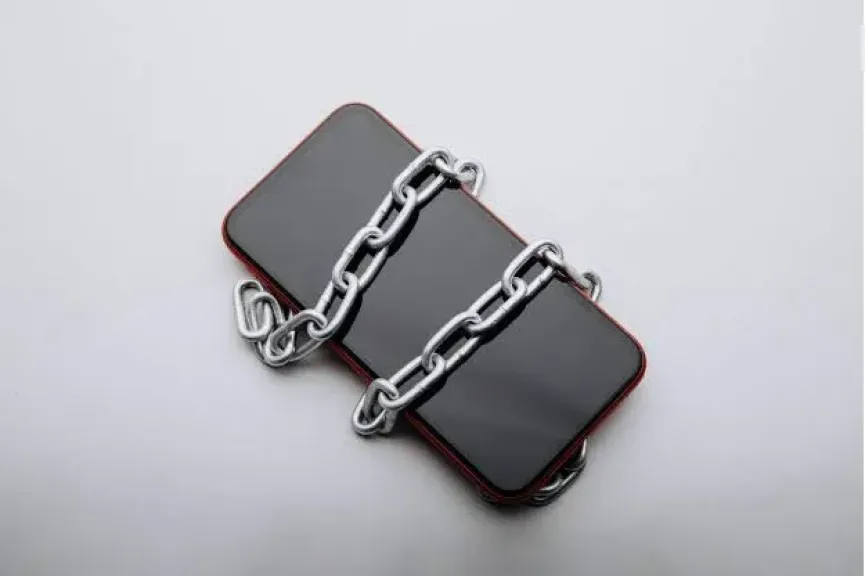
Handing a smartphone to a repair center involves more than fixing a cracked screen, replacing a damaged battery or resolving a technical fault. It also raises important privacy and cybersecurity concerns. Modern smartphones contain personal photographs, private conversations, financial information, email accounts and sensitive documents, making data protection an essential part of the repair process.
One of the most important precautions is creating a complete and up-to-date backup before handing over the device. Users should save their photographs, videos, contacts, messages and important documents through cloud storage services or an external computer. This is particularly important because certain repairs, including motherboard or storage component replacement, may require a factory reset or result in permanent data loss.
Essential Security Measures Before Repair
Users should review installed applications and ensure that sensitive accounts are not unnecessarily accessible during the repair process. Banking applications, digital wallets, email services and social media accounts deserve particular attention. Highly sensitive photographs and documents can also be transferred to a secure external storage location after confirming that backup copies are available.
Removing the SIM card and external memory card is another useful precaution whenever they are not required for technical testing. This reduces the possibility of unauthorized access to stored files, messages and mobile services while the device is outside the owner's control.
Users should also avoid sharing their screen-lock PIN, passwords or account credentials with repair technicians. Apple explicitly advises customers never to disclose their Apple Account password or device passcode to anyone. If technical support requires access to the device for specific procedures, customers should remain present while the technician performs the necessary steps.
Repair and Maintenance Modes: Built-in Privacy Protection
Smartphone manufacturers have introduced dedicated features to protect personal information during repairs. Samsung offers Maintenance Mode on supported Galaxy devices. The feature creates a separate, restricted user environment that prevents technicians from accessing personal photographs, videos, messages, contacts and call history while allowing access to essential pre-installed applications.
The feature can be activated through the device settings, although availability and navigation may vary depending on the model and software version. Samsung nevertheless recommends backing up personal information before activating Maintenance Mode because certain repairs may still require a factory reset or storage replacement.
Google provides a similar solution through Repair Mode on eligible Pixel smartphones. It launches a clean Android environment within a dedicated secure partition, allowing technicians to perform diagnostics without accessing the user's regular personal data. However, the feature is available only on supported devices and software versions. Google also recommends backing up all important information before every repair, even when Repair Mode is enabled.
For iPhone users, Apple recommends backing up the device, ensuring that iCloud synchronization is complete and following the company's official service preparation procedures, including the applicable instructions for Find My. Users should never hand over their account passwords or security credentials to technicians.
Choosing a Repair Center and Checking the Device Afterwards
Choosing a reputable repair provider is equally important. Users should prioritize authorized service centers or businesses with an established reputation. They should also request a written receipt documenting the device's condition, reported problems and agreed repair procedures.
Before handing over the smartphone, customers should clarify whether the repair requires unlocking the device, accessing specific applications or performing a factory reset. Any request for access beyond what is technically necessary should be questioned.
After collecting the device, users should check that maintenance or repair mode has been properly deactivated, verify that photographs, contacts and files remain intact, and review security settings for unexpected changes. They should also inspect account activity and connected devices, changing passwords if credentials may have been exposed.
Ultimately, smartphone privacy protection should be treated as an essential part of every repair appointment. Backups, dedicated repair modes, secure passwords and careful selection of service providers can significantly reduce the risks of data exposure and accidental loss.